

Using Dev Containers (.devcontainer)
When Dev Containers help—and when they get in the way
Series: Containers, Actually: Building Real Local Dev Environments
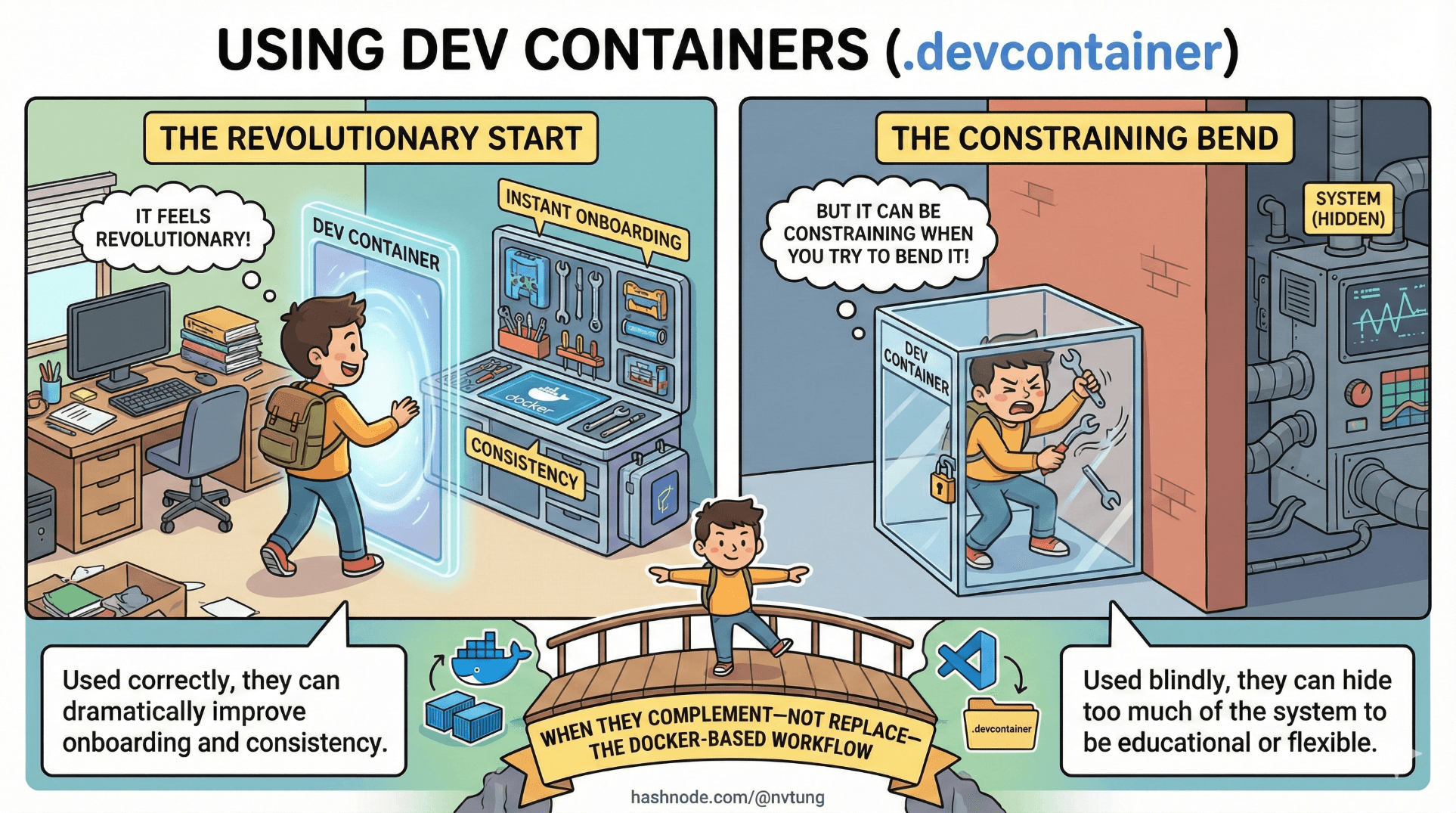
Dev Containers are one of those tools that feel revolutionary the first time you use them—and constraining the tenth time you try to bend them.
Used correctly, they can dramatically improve onboarding and consistency.
Used blindly, they can hide too much of the system to be educational or flexible.
This article explains what Dev Containers actually are, how they work under the hood, and when they complement—not replace—the Docker-based workflow described throughout this series.
What Dev Containers Actually Are (Not the Marketing Version)
A Dev Container is not a new container runtime.
It is:
A convention
A configuration layer
A VS Code feature
At its core, a Dev Container is a folder named:
.devcontainer/
containing configuration that tells VS Code:
Which container to run
How to connect to it
Which tools to install
Which commands to execute on startup

That’s it.
Everything else—Docker, docker-compose, volumes, networks—already existed.
The Mental Model That Matters
Think of Dev Containers as:
“A predefined editor session inside a container.”
They answer questions like:
Where does my editor attach?
What tools should be available?
How do I ensure everyone uses the same runtime?
They do not answer:
How should my system be architected?
How should services communicate?
How should state persist?

Those answers still belong to Docker and docker-compose.
A Minimal .devcontainer Setup
Let’s start with the smallest useful example.
Folder Structure
.devcontainer/
├─ devcontainer.json
devcontainer.json
{
  "name": "PHP App Dev Container",
  "image": "php:8.2-cli",
  "workspaceFolder": "/workspace",
  "mounts": [
    "source=${localWorkspaceFolder},target=/workspace,type=bind"
  ],
  "extensions": [
    "bmewburn.vscode-intelephense-client"
  ]
}
What this does:
Starts a PHP container
Mounts your project into
/workspaceAttaches VS Code to that container
Installs a PHP language extension
This is the simplest Dev Container: single runtime, no services.
Dev Containers With docker-compose (The Real Use Case)
Dev Containers become interesting when combined with docker-compose.
Folder Structure
.devcontainer/
├─ devcontainer.json
docker-compose.yml
devcontainer.json
{
  "name": "Full Stack Dev",
  "dockerComposeFile": "../docker-compose.yml",
  "service": "app",
  "workspaceFolder": "/var/www/html",
  "shutdownAction": "stopCompose",
  "extensions": [
    "bmewburn.vscode-intelephense-client",
    "xdebug.php-debug"
  ]
}
What This Means
VS Code runs inside the
appcontainerAll other services (MySQL, Redis, etc.) are started via compose
The editor sees the same filesystem and runtime as the app
This gives you perfect runtime parity—at the cost of flexibility.
Where Dev Containers Shine
Dev Containers are extremely good at three things.

1. Onboarding Speed
For new developers:
Clone repo
Open in VS Code
Click “Reopen in Container”
That’s it.
No:
Local runtime installs
Version mismatches
“Works on my machine” debates
This is Dev Containers at their best.
2. Tooling Consistency
Dev Containers guarantee:
Same Node version
Same PHP version
Same CLI tools
Same editor extensions
This eliminates an entire class of subtle drift.
3. CI / Dev Alignment (When Done Well)
If your CI builds the same image used by Dev Containers, then:
CI failures reproduce locally
Tooling discrepancies vanish
Debugging gets simpler
This alignment is powerful—but fragile if overextended.
Where Dev Containers Hurt (And Why)
Now for the uncomfortable part.

1. Editor Lock-In
Dev Containers are a VS Code feature.
That means:
JetBrains users are excluded
CLI-only workflows are awkward
Editor becomes infrastructure
If your team standardizes on VS Code, this is fine.
If not, it’s a constraint.
2. Hidden Docker Complexity
Dev Containers abstract Docker very effectively.
That’s good—until something breaks.
Common symptoms:
“The container won’t start”
“Reopen in Container hangs”
“Docker is broken” (it isn’t)
Developers who don’t understand Docker fundamentals struggle to debug Dev Containers.
This is why this article appears after Docker fundamentals in the series.
3. Overcoupling Editor and Runtime
When everything runs inside the container:
Editor performance depends on container health
Debugging infrastructure issues becomes harder
Simple tasks require container context
Sometimes, separation is healthier.
Comparing Dev Containers to the Series’ Approach
Let’s be precise.
Docker + WSL (This Series)
Editor runs on Windows
Runtime runs in containers
Clear separation of concerns
Docker is explicit and visible

Dev Containers
Editor attaches into containers
Runtime and tooling are unified
Faster onboarding
Less architectural transparency
Neither is “better” universally.
A Hybrid Approach (Often the Best Choice)
In practice, the most successful teams use both.
Pattern That Works Well
Primary workflow: Docker + WSL + VS Code Remote WSL
Optional:
.devcontainerfor onboarding or CI parity

This lets:
Experienced devs keep flexibility
New devs ramp up quickly
Docker knowledge remain transferable
Example: Optional Dev Container
You can make Dev Containers opt-in.
{
  "name": "Optional Dev Container",
  "dockerComposeFile": "../docker-compose.yml",
  "service": "app",
  "workspaceFolder": "/var/www/html",
  "remoteUser": "www-data"
}
Developers choose:
Open normally → WSL workflow
“Reopen in Container” → Dev Container workflow
Same repo. Same stack. Different entry points.
What Dev Containers Are Not
Dev Containers are not:
A replacement for Docker knowledge
A substitute for architecture decisions
A fix for bad repo structure
A performance optimization tool

They are a developer experience layer.
Used wisely, they reduce friction.
Used blindly, they increase opacity.
When I Would Choose Dev Containers
I would strongly consider Dev Containers when:
Team is fully on VS Code
Onboarding speed is critical
Tooling parity matters more than flexibility
CI and local environments must match closely

I would avoid them when:
Team uses multiple editors
Developers need deep Docker control
System architecture is still evolving
Performance tuning is frequent
The Final Takeaway
If Docker makes systems visible,
Dev Containers make systems comfortable.
Comfort is valuable—but only after clarity.
Dev Containers are not a fork in the road.
They are an overlay.
If your Docker stack is well-designed, Dev Containers feel like a convenience.
If your Docker stack is brittle, Dev Containers feel like a trap.
The order matters:
Learn Docker
Design the system
Then consider Dev Containers
That’s how they become empowering instead of confusing.




