

Containerized: Lessons Learned & What I’d Do Differently
What worked, what didn’t, and why it matters
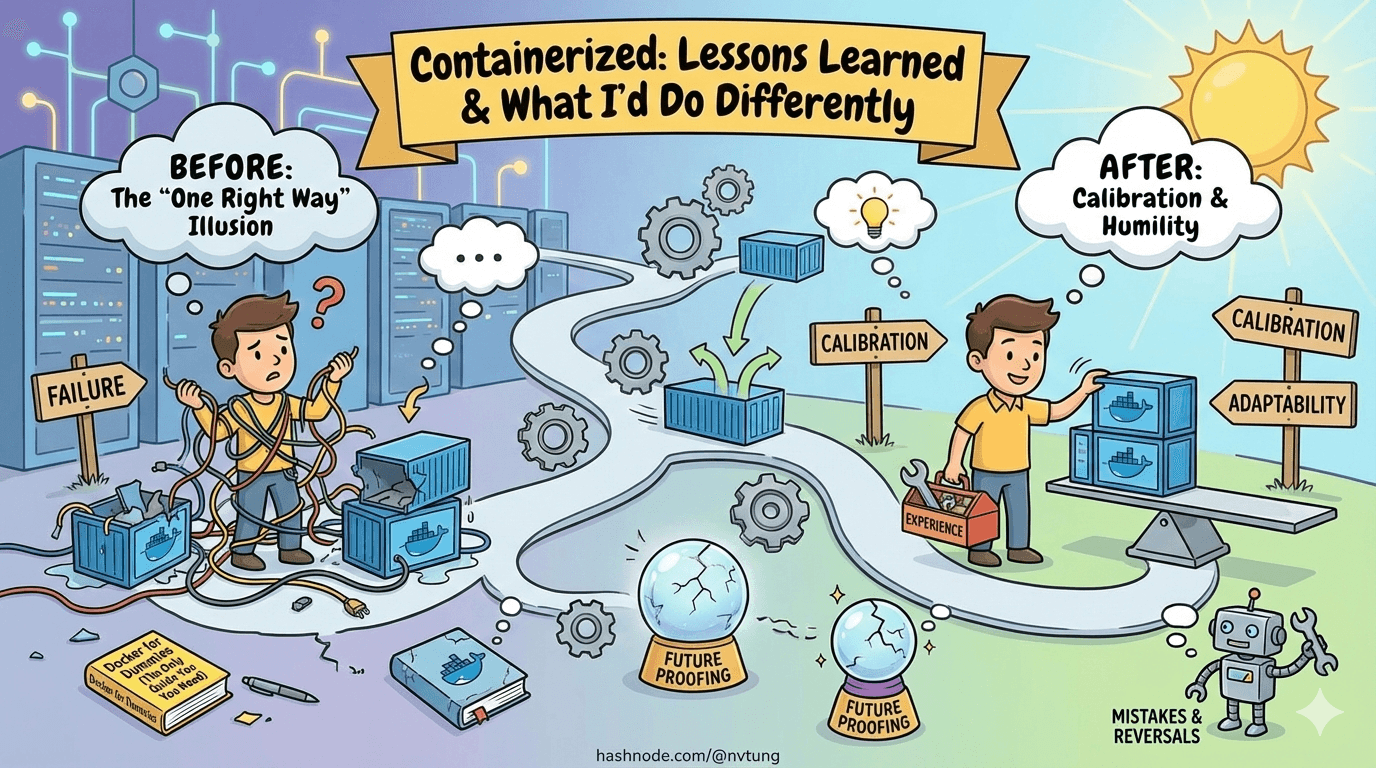
Series: Containers, Actually: Building Real Local Dev Environments
ACT III — Real Implementation: My Humhub Stack
Previous: Performance, Stability, and Resource Management of my Containerized Stack
Disclaimer (NDA Notice)
This article reflects real experience from a long-running, production-adjacent project.
Due to NDA constraints, some internal decisions, metrics, service counts, and tooling details are generalized or anonymized.The lessons, failure modes, trade-offs, and conclusions are real.
Treat this as distilled experience, not a post-mortem of a specific company system.
This is the article that most Docker guides never write.
Not because the authors don’t have opinions—but because opinions require time, mistakes, reversals, and humility. By the time you can write this article honestly, you no longer believe there is one right setup.
What follows is not a victory lap.
It’s a calibration.
The Biggest Unexpected Pain Points
Some problems were obvious in hindsight. Others only revealed themselves after weeks of daily use.

1. Filesystem Performance Was the Real Bottleneck
Not Docker.
Not PHP.
Not MySQL.
The filesystem.
Early on, we underestimated how many performance issues would trace back to where code lived, not how it ran. Any accidental regression into /mnt/c brought:
Sluggish hot reloads
High CPU usage
Flaky file watchers
“Docker is slow” complaints
No amount of container tuning fixed that.
Lesson:
Filesystem placement is architecture, not a detail.
2. Logs Become a Problem Before You Expect
Log growth felt harmless—until it wasn’t.
Containers that ran for weeks accumulated:
Massive JSON log files
Slow disk operations
Increased Docker metadata overhead
The fix was simple, but late:
logging:
  driver: json-file
  options:
    max-size: "10m"
    max-file: "3"
Lesson:
Logs are unbounded by default. Production discipline matters locally too.
3. Background Workers Fail Quietly
Queues don’t scream when something is wrong. They whisper.
We hit cases where:
Workers were running but stalled
Jobs were retrying forever
Queues slowly backed up
The system “worked”, but user-facing behavior degraded subtly.
The fix was explicit limits:
php artisan queue:work --tries=3 --timeout=90
Lesson:
Anything asynchronous must be bounded, or it will rot invisibly.
Trade-Offs That Weren’t Obvious at the Start
Some decisions only reveal their cost later.
Convenience vs Correctness Is Not Binary
Early on, we assumed:
“Correct” setups are painful
“Convenient” setups are fragile
Reality was more nuanced.
Some conveniences paid off:
Bind mounts for app code
Local
.envoverridesLightweight tooling in WSL
Others caused compounding pain:
Shared “god” containers
Host-installed runtimes
Magic scripts that hid complexity
Lesson:
Convenience is fine—when it doesn’t hide system boundaries.

Structural Parity Beats Exact Parity
We initially aimed for near-perfect production parity.
That turned out to be unnecessary.
What mattered was:
Same service boundaries
Same runtime versions
Same communication patterns
Same failure modes
What didn’t matter locally:
Scale
Security hardening
Observability depth
Lesson:
Structural parity buys confidence. Exact parity buys complexity.
What Scaled Well
Some choices paid dividends as the project grew.

Clear Service Separation
One concern per container wasn’t dogma—it was leverage.
Benefits:
Faster debugging
Safer rebuilds
Clear ownership
Predictable restarts
docker-compose files stayed readable even as services increased.
Treating WSL as a First-Class OS
Once the team stopped treating WSL as “that Docker thing” and started treating it as the dev OS, friction dropped sharply.
Developers:
Installed tools confidently
Knew where commands belonged
Stopped fighting Windows/Linux boundaries
Lesson:
Ambiguity is more expensive than learning curves.
Routine Rebuilds and Resets
Rebuilds stopped being emergencies once they became routine.
docker-compose build app
docker-compose up -d app
Resetting state became intentional instead of terrifying.
docker-compose down -v
Lesson:
If rebuilding feels scary, the system is already broken.
What Didn’t Scale Well
Some patterns aged poorly.
Overloading .env
At first, environment variables felt like a clean abstraction.
Over time:
.envfiles became overloadedArchitecture decisions leaked into variables
Behavior became implicit instead of visible
Lesson:
Environment variables configure values—not structure.

“Helpful” Automation Scripts
Bootstrap scripts were great for onboarding.
They were terrible as long-term dependencies.
When scripts:
Hid Docker errors
Masked version mismatches
Replaced documentation
They became liabilities.
Lesson:
Automation should accelerate understanding—not replace it.
Comparison: This Setup vs Alternatives
No system exists in a vacuum. Here’s how this approach compares honestly.
DevContainers (VS Code)
Pros
Strong onboarding
Editor-integrated
Reproducible tooling
Cons
Editor lock-in
Hidden Docker complexity
Harder to debug outside VS Code
Verdict
Excellent for small teams or standardized stacks. Less flexible for heterogeneous systems.
Tilt
Pros
Powerful live reload
Kubernetes-native workflows
Great for microservices
Cons
Steep learning curve
Heavy mental overhead
Overkill for many projects
Verdict
Fantastic for Kubernetes-first teams. Too heavy for most local dev stacks.

Local Native Installs
Pros
Fast startup
Familiar tooling
Minimal abstraction
Cons
Environment drift
Onboarding pain
OS-specific bugs
Verdict
Fine for solo work. Fails under team scale.
This Docker + WSL Approach
Pros
Clear system boundaries
Windows-friendly
Reproducible
Debuggable
Cons
Requires discipline
Requires learning Docker properly
Slower initial setup
Verdict
Best when correctness, parity, and long-term stability matter.
What I’d Do Differently Next Time
With hindsight:
Introduce log limits earlier
Document filesystem rules more aggressively
Set resource limits from day one
Add health checks sooner
Treat queues as first-class citizens earlier

None of these invalidate the approach. They refine it.
The Real Lesson
Docker was never the point.
The point was:
Making systems legible
Making failures diagnosable
Making environments boring

When local development feels boring, predictable, and slightly unremarkable—you’ve succeeded.
Closing the Series
This series wasn’t about commands.
It was about thinking in systems.
If you take one thing away, let it be this:
Good development environments don’t remove complexity.
They put it where you can see it—and control it.
That’s not magic.
That’s engineering.
🌟 Optional Extensions
With the core stack in place, the remaining topics aren’t about getting things to run—they’re about refinement and reach. The following optional extensions explore how this foundation can be adapted for faster onboarding, tighter CI/CD alignment, multiple environments, stronger local security, and even a conceptual path toward Kubernetes. None are required, but each shows how a solid local setup becomes a platform rather than a one-off solution.




