

What Is User Authentication? The Basics Explained
A simple, practical introduction to the core ideas behind identity, sessions, tokens, and how modern applications verify who a user is.
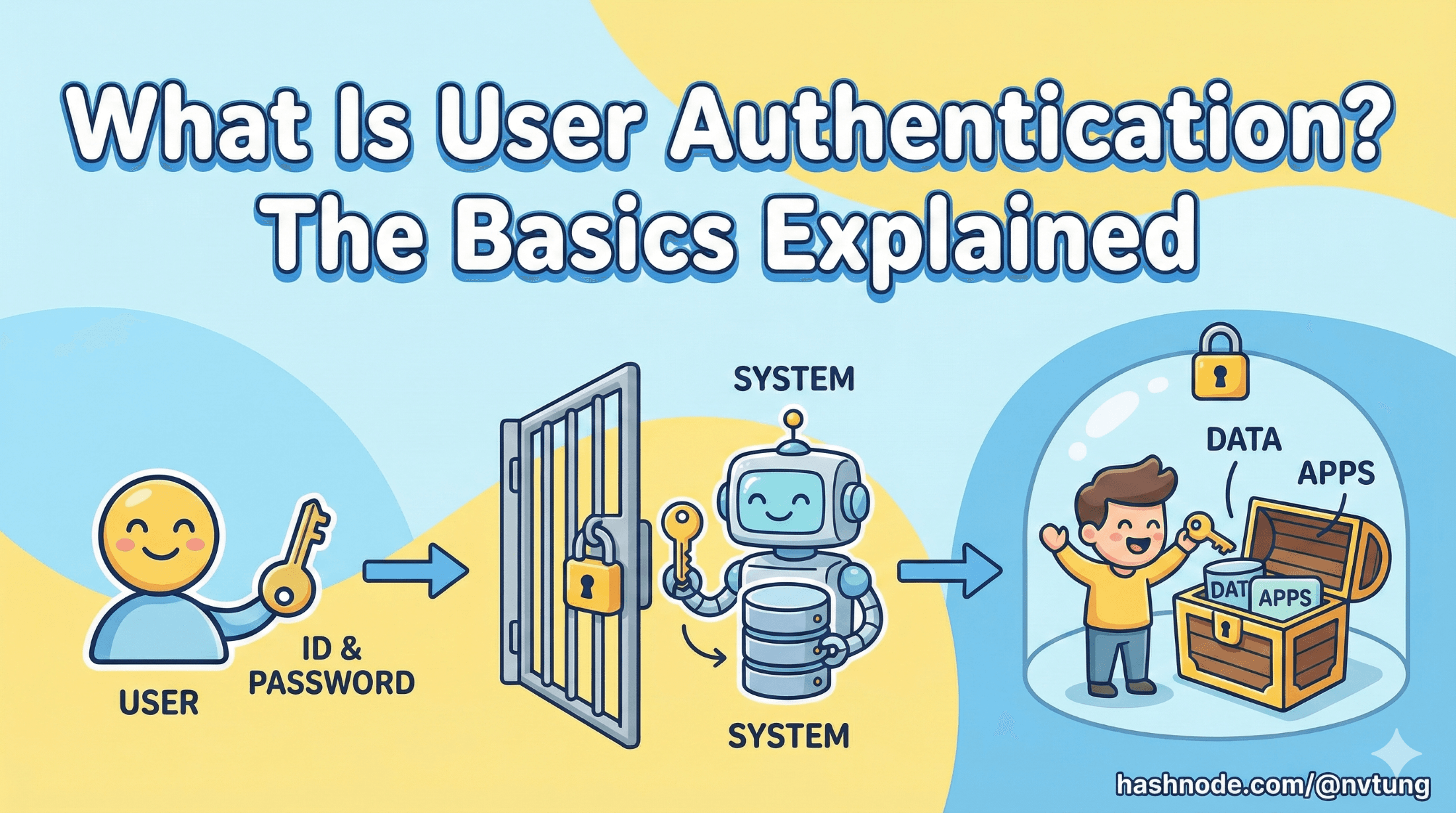
Series: Web Authentication Demystified — From Concepts to Real-World
ARC 1 — FOUNDATIONS OF USER AUTHENTICATION
Previous: Introduction to Web Authentication
Next: Token Types Explained
Authentication sits at the center of nearly every digital experience. Whether you’re logging into a banking app, creating a new account for a game, or in my real-world implementation case: logging into a government-backed education dashboard, some system somewhere must decide: Who are you, and should you be here?
This article kicks off the series “Web Authentication Demystified — From Concepts to Real-World” by laying down the essential concepts that every developer should understand before diving into protocols, flows, and implementations. Let’s break authentication down into simple, practical terms.
Authentication vs. Authorization: The Classic Confusion
These two words look similar, but they answer different questions:
Authentication — “Who are you?”
Authentication is the process of verifying identity. When a user enters a password, scans a fingerprint, or signs in with Google, that’s authentication.
Authorization — “What are you allowed to do?”
Once the system knows who you are, authorization determines what actions you can take and what data you can access.
For example:
Authentication: Show your ID badge to enter the storage building.
Authorization: Being allowed to access your private storage but not other users’ private storage.

Think of authentication as identity, and authorization as permissions. A system needs both to stay secure.
Users, Identity, Credentials and Sessions
Every authentication system deals with the same basic ingredients:
Users vs Identity
A user is the real person (or service) using your application.
An identity, on the other hand, is the digital representation of that user — the information used to verify who they are.
A single user can have multiple identities. For example:
Logging in with a password
Logging in with Google
Logging in with a corporate identity provider
All of these separate identities may map to the same user account in your system.
Authentication works with identities, while authorization applies to the user.
Credentials
Proof of identity. Examples:
Passwords
One-time codes
Biometrics
OAuth tokens
WebAuthn hardware keys
The system never trusts a user until their credentials are validated.
Sessions
After a user logs in, you need a way to avoid asking them to authenticate again on every page. Sessions solve this.
A session is:
A temporary identity record on the server
Linked to a cookie in the user’s browser
Automatically checked on each request
Sessions make authentication stick so users don’t constantly log in.
Example
You are a player that is trying to login to a virtual theme park. You can use various forms of identites to login, such as email adress, physical key, biometrics. With each identity you must provide the corresponding credential to prove your identity, such as password for email, the physical key itself, fingerprint for biometrics. After your credential is validated, you are granted a temporary session to stay logged in the virtual theme park until it’s expired.

Example quick summary:
User: You — the person wanting to enter the virtual theme park.
Identity: Your email or biometrics — who you claim to be.
Credentials: Your password or fingerprint — prove you own that identity.
Session: Grant you temporary access for hours.
Stateful vs. Stateless Authentication
There are two big models for managing logged-in users:
Stateful Authentication (Server-Managed Sessions)
This is the traditional model (PHP, .NET, etc.). The server:
Creates a session after login
Stores session data (in memory, Redis, or database)
Gives the browser a session cookie
On every request:
The cookie is sent
The server looks up the session to identify the user
Pros:
Immediate logout
Easy revocation
Familiar and simple
Cons:
Requires shared session storage in distributed systems
More infrastructure overhead
Stateless Authentication (Token-Based)
Instead of storing sessions, the server gives the client a token, typically a JWT (JSON Web Token). The token contains the identity data and is signed by the server.
On every request, the client sends the token, and the server verifies it without needing a database lookup.
Pros:
No server-side session store
Horizontal scaling becomes simple
Works very well for APIs and microservices
Cons:
Token revocation is hard
A stolen token remains valid until it expires
Requires shorter lifetimes + refresh token management

Example:
Stateful: Diner (user) in a bistro (web app client) needs to check-in (login) with the waiter (server) to be granted a eatery ticket (session cookie) and stores the diner session in guest logbook (memory, Redis or DB). Each time the diner wants to order a new dish (fetch request), they need to show the ticket to the waiter, and the waiter would need time to verify the ticket with the logbook. The waiter can easily remove the diner session from the logbook when the diner check-out (logout) or their ticket expired.
Stateless: Guest (client) visiting a theme park (server) nees to check-in (login) to be granted a signed ID bracelet (JWT token) that contains their personal identity. Each time the guest wants to enter an attraction (fetch API/cloud services), they just need to show the bracelet to the staff, and the staff can verify it by themselves. The bracelet could be stolen by another unauthorized person to impersonate that guest.
Where Authentication Fits in Modern Web Architecture
Authentication touches nearly every layer of a web system:
Frontend manages login UI, cookies, redirects, and token storage.
Backend verifies credentials, stores sessions, validates tokens, and determines identity.
Database stores user accounts, roles, permissions.
Identity Providers (IdPs) like Google, Okta, or Auth0 offload authentication work entirely.
APIs need access tokens to authorize user actions.
CDNs sometimes require signed cookies or JWTs to serve protected files.

In other words, authentication is not a single “feature.” It’s an ecosystem of components working together.
Why Is Authentication Hard?
Despite being everywhere, authentication is notoriously tricky. Here's why:
Security
Passwords can be stolen, tokens can leak, cookies can be forged, flows can be exploited. Every mechanism requires careful defense.
User Experience
Users want:
Login that feels fast
Minimal friction
No repeated authentication
Passwordless or SSO
Balancing UX with strong security is a constant struggle.
Scalability
Across distributed systems:
Sessions must be synchronized
Tokens must be validated efficiently
Load balancers must handle millions of authenticated requests
Authentication has to scale cleanly without compromising security.
Interoperability
Modern systems often involve:
Mobile apps
SPAs
Legacy backends
APIs
Microservices
Third-party IdPs
Each brings different requirements and constraints.

Authentication isn’t just login. It’s architecture.
A Quick Overview of Industry Standards
You’ll see these names everywhere. Here’s what they mean at a high level:
OAuth 2.0
A framework for delegated access.
Example: “Sign in with Google” or allowing an app to access your Dropbox files.
OpenID Connect (OIDC)
A thin identity layer on top of OAuth2.
OIDC defines:
ID tokens
User identity flows
Standardized claims
This is what most modern login systems use.
SAML
An older, XML-based enterprise SSO standard.
Still heavily used in corporate environments (e.g., old-school SSO portals).
JWT (JSON Web Token)
A portable, signed token format.
Used for:
Stateless sessions
Access tokens
Identity data
API authentication
Sessions (Cookie-Based Authentication)
A classic but still extremely common approach.
Servers maintain state, browsers store a session ID cookie.

Each of these standards solves authentication differently, and most large systems use a combination.
Wrapping Up
Authentication is far more than a login page — it’s the foundation of trust on the web. By understanding the basic concepts of identity, sessions, tokens, and the difference between authentication and authorization, you now have the vocabulary and mental model to explore the protocols and real implementations that power modern systems.
In the next article, we’ll dive deeper into tokens — ID tokens, access tokens, refresh tokens, opaque tokens, JWTs — and how they actually work under the hood.




