

Containerized: My Repository Structure & Design Decisions
Designing a Docker repo that explains itself
Series: Containers, Actually: Building Real Local Dev Environments
ACT III — Real Implementation: My Humhub Stack
Previous: Containerized: Architecture Overview of my Humhub Stack
Next: Step-by-Step: Bootstrapping my Containerized Environment
Disclaimer (NDA Notice)
This article is based on a real production-adjacent repository used in an internal project.
Due to NDA and organizational constraints, some names, paths, credentials, and configuration values are simplified, anonymized, or omitted.The structure, reasoning, trade-offs, and Docker patterns are real and intentional.
Treat this as a design blueprint, not a copy-paste template.
This article answers a deceptively important question:
Why is the repository shaped the way it is?
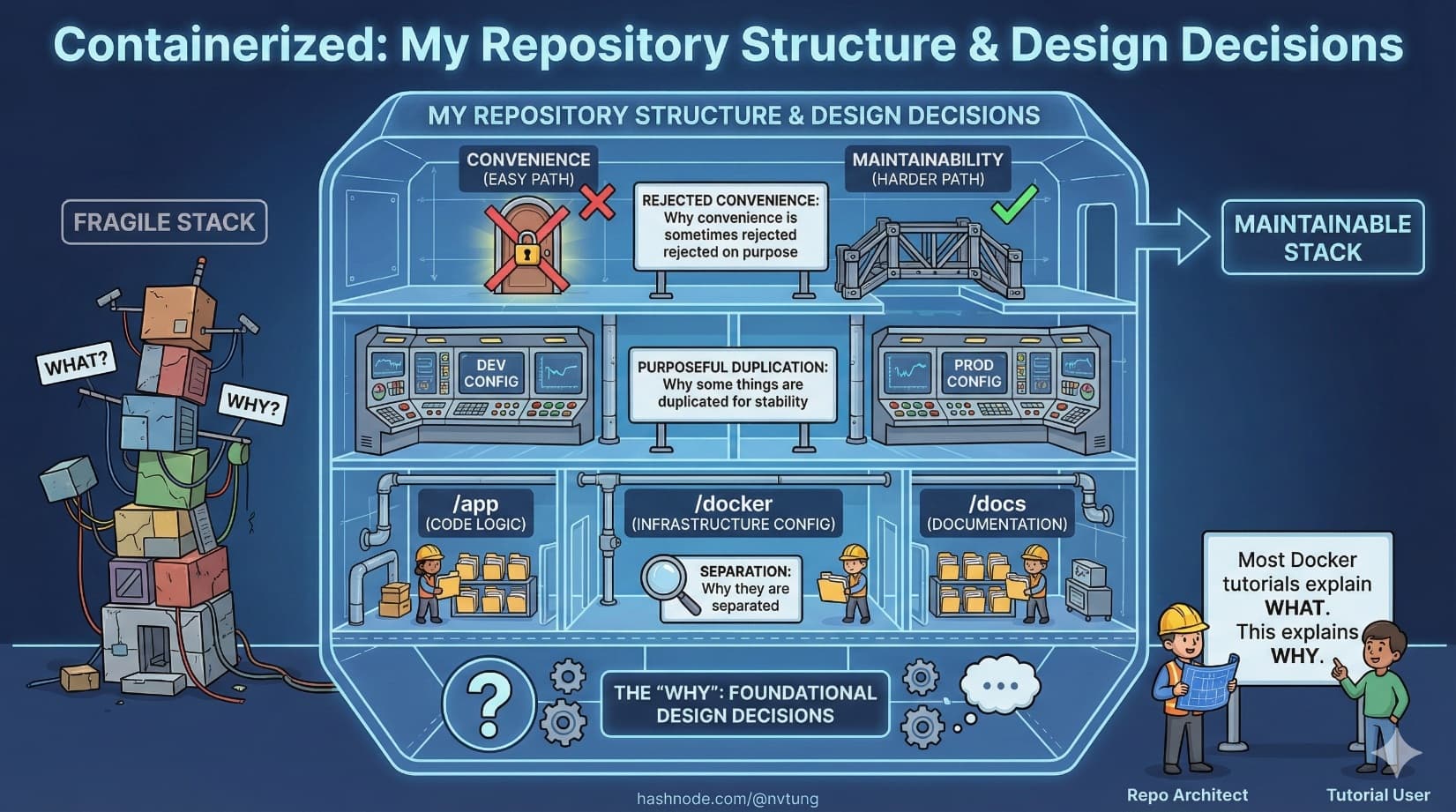
Most Docker tutorials explain what files exist.
Few explain why they are separated, why some things are duplicated, or why convenience is sometimes rejected on purpose.
That “why” is the difference between a maintainable stack and a fragile one.
The Prime Directive: Structure Reflects Responsibility
Before looking at folders, establish the rule that governs everything:
Repository structure should mirror system boundaries, not developer convenience.

If your repository layout does not reflect:
runtime boundaries
ownership boundaries
lifecycle boundaries
then Docker will feel arbitrary and brittle.
High-Level Folder Layout
Here is a simplified but realistic repository structure:
repo-root/
├─ docker/
│  ├─ nginx/
│  │  └─ default.conf
│  ├─ php/
│  │  ├─ Dockerfile
│  │  └─ php.ini
│  ├─ mysql/
│  │  └─ init.sql
│  └─ elasticsearch/
│     └─ elasticsearch.yml
│
├─ app/
│  ├─ src/
│  ├─ public/
│  ├─ composer.json
│  └─ composer.lock
│
├─ docker-compose.yml
├─ .env.example
├─ .gitignore
└─ README.md

This structure encodes several deliberate decisions.
Why Configuration Lives Outside the App
A common mistake is putting Docker config inside the application folder.
This repository avoids that.
Why?
Because application code and infrastructure config have different lifecycles.
App code changes frequently
Infrastructure changes deliberately
App developers shouldn’t accidentally “refactor” infrastructure

That’s why:
/appcontains only application concerns/dockercontains only runtime concerns
This separation prevents accidental coupling.
Dockerfiles: Purpose-Built, Not Generic
PHP Dockerfile (Example)
FROM php:8.2-fpm

RUN apt-get update \
 && apt-get install -y \
    libzip-dev \
    libpng-dev \
 && docker-php-ext-install pdo_mysql zip gd

COPY php.ini /usr/local/etc/php/php.ini

WORKDIR /var/www/html

Why this Dockerfile is minimal
This Dockerfile:
Installs only runtime dependencies
Does not install dev tools
Does not copy application code
Why?
Because:
Code is bind-mounted during local dev
Image rebuilds should be cheap
The image represents capability, not state
Dockerfiles vs Shared Images: The Trade-Off
You may ask:
Why not use a shared base image across projects?
That’s a valid option—but not always the right one.
Shared Images: Pros
Faster builds
Centralized updates
Strong standardization
Shared Images: Cons
Hidden coupling
Harder debugging
Version drift across teams
This repo chooses local Dockerfiles because:
The team owns the runtime
Debugging clarity matters more than build speed
Local dev should mirror production constraints explicitly

Correctness beats convenience here.
Volumes & Persistence Strategy
Persistence is where Docker setups silently fail.
Example: MySQL Volume
mysql:
  image: mysql:8
  volumes:
    - mysql-data:/var/lib/mysql
Why volumes are named explicitly
Named volumes:
Survive container rebuilds
Are isolated from host filesystem quirks
Make data lifecycle intentional
This is a deliberate refusal to use bind mounts for databases.

Why?
Because:
Bind mounts leak host behavior into containers
File permission issues become non-deterministic
Performance varies wildly on Windows
Databases deserve correctness, not convenience.
Bind Mounts: Used Carefully
Application code is bind-mounted:
app:
  volumes:
    - ./app:/var/www/html
Why this is acceptable:
Code is ephemeral
Reload speed matters
Losing code state is impossible (Git exists)

The rule remains consistent:
Mutable human work → bind mount
Durable system state → volume
Environment Variables: Explicit, Not Magical
This repository uses a .env file—but cautiously.
.env.example
APP_ENV=local
DB_HOST=mysql
DB_NAME=app
DB_USER=app
DB_PASSWORD=secret
REDIS_HOST=redis
QUEUE_HOST=rabbitmq
Why .env.example exists
Documents required configuration
Prevents secrets from leaking
Forces developers to opt in to local values

Actual .env files are:
Git-ignored
Local-only
Treated as replaceable
Why Environment Variables Aren’t Everything
Environment variables are powerful—but insufficient alone.
This repo avoids:
Overloading
.envwith complex configEncoding architecture decisions as variables
Making runtime behavior implicit

Environment variables configure values, not structure.
Structure belongs in:
docker-compose
Dockerfiles
code defaults
docker-compose as an Architectural Document
Here’s a trimmed example:
services:
  web:
    image: nginx:alpine
    depends_on:
      - app

  app:
    build: ./docker/php
    environment:
      DB_HOST: mysql
      REDIS_HOST: redis

  mysql:
    image: mysql:8
    volumes:
      - mysql-data:/var/lib/mysql
This file tells you:
What exists
Who depends on whom
What persists
What communicates

It is not a startup script.
It is a system declaration.
Convenience vs Correctness: A Real Trade-Off
Convenient (but dangerous)
One container with everything
Database bind-mounted from C:\
Global Node installed everywhere
Runtime configuration hidden in scripts
Correct (but deliberate)
Separate containers
Explicit volumes
Explicit networking
Explicit versions

This repo consistently chooses correctness, even when it costs setup time.
Why?
Because convenience debt compounds faster than tech debt.
Local Dev vs Production Parity (With Honesty)
This setup aims for structural parity, not identical parity.
Local differs from production in:
Scale
Security hardening
Monitoring depth
But matches production in:
Service separation
Runtime versions
Communication patterns
Failure modes

That’s the sweet spot.
Perfect parity is impossible.
Structural parity is achievable—and valuable.
What You Should Learn From This Repo
The goal is not to copy this structure.
The goal is to ask:
What boundaries exist in my system?
What state deserves protection?
What can be disposable?
Where do humans interact with the system?
If your repository answers those questions by its shape, Docker will stop feeling complicated.
What Comes Next
With architecture and structure understood, the next step is execution:
Bootstrapping the environment
Building images
Running services
Verifying health
Working day-to-day
That’s where theory meets muscle memory.
Structure is not ceremony.
It’s how systems explain themselves.




