

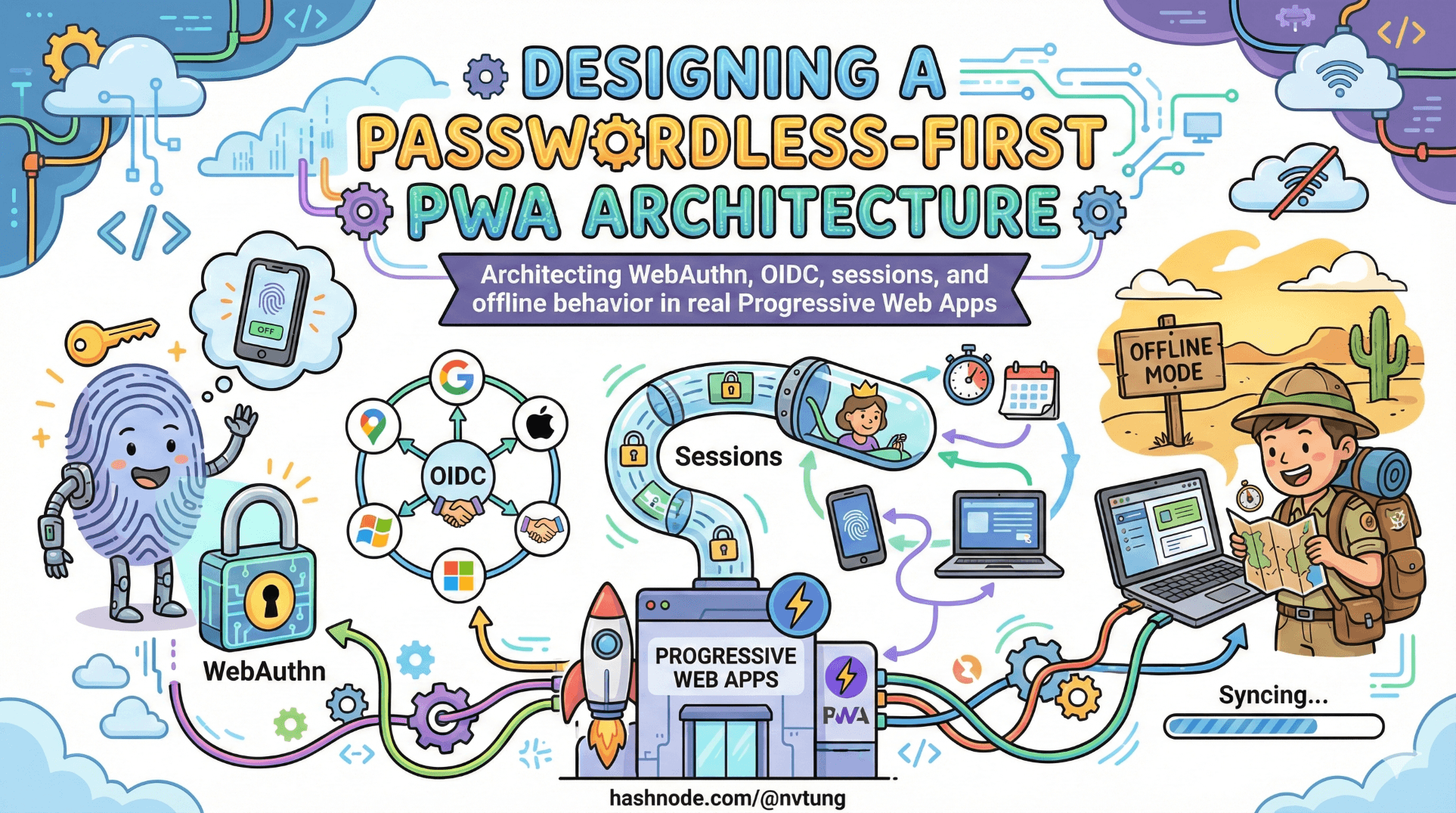
Designing a Passwordless-First PWA Architecture
Architecting WebAuthn, OIDC, sessions, and offline behavior in real Progressive Web Apps
By this point in the series, we’ve established three things:
Passwords are structurally fragile.
WebAuthn provides phishing-resistant, device-bound authentication.
OpenID Connect provides portable, federated identity.
Now comes the harder question:
How do you design a real Progressive Web App where all of this coexists cleanly?
Because authentication in a PWA is not just about verifying a user once.
It’s about handling devices, sessions, fallbacks, offline behavior, and long-lived installs — without quietly reintroducing the weaknesses you just eliminated.
A passwordless-first architecture is not “always use WebAuthn.”
It’s about deciding when to use it, when to fall back, and how to make those decisions explicit.
Decision points: when to attempt WebAuthn vs fallback
A mature system does not guess. It decides.
There are several common entry scenarios:

1. Known returning user with registered credentials
If the server knows:
this identity has WebAuthn credentials registered,
and the browser supports WebAuthn,
then the system should attempt WebAuthn immediately.
This is the fast path:
request challenge,
call
navigator.credentials.get(),verify assertion,
issue session.
This path should feel frictionless.
2. User has no registered credential
If the server sees:
- no WebAuthn credential on file,
it must not attempt WebAuthn.
Instead:
redirect to federated login (OIDC),
or use whatever bootstrap identity method exists.
After successful identity verification:
- offer credential registration.
Passwordless-first does not mean passwordless-only.
3. WebAuthn attempt fails
Failure can mean:
user cancels,
authenticator unavailable,
browser does not support feature,
device lost,
counter mismatch,
challenge expired.
Your architecture must define what failure means.
Some failures allow retry.
Some require fallback to OIDC.
The critical point:
Fallback is not an afterthought. It is a planned branch.
If your system has no defined fallback path, it is not production-ready.
Server responsibilities: the part nobody can skip
Passwordless pushes complexity into correctness.
Your server is responsible for:

Credential storage
For each credential, you must store:
credential ID,
public key,
signature counter,
user association,
metadata (optional).
This storage must be:
integrity-protected,
scoped per user,
revocable.
Storing only the public key is not enough.
You must track counters to detect cloned authenticators.
Challenge management
Every authentication attempt must include:
a cryptographically random challenge,
short expiration,
binding to user and session state.
Challenges must:
be unpredictable,
not reusable,
not long-lived.
If you reuse challenges, you reintroduce replay risk.
Assertion verification
Server must:
validate signature against stored public key,
confirm challenge matches,
check origin and RP ID,
verify counter monotonicity.
This is where many implementations quietly break.
WebAuthn security is only as strong as the verification logic.
Credential lifecycle management
Real systems need:
credential revocation,
device labeling,
multi-device support,
audit logs.
Without lifecycle management, passwordless becomes brittle.
Session management in PWAs
Here is where things become interesting.
PWAs blur the line between:
website,
installed app,
long-running client.
Session management must balance:
security,
persistence,
user convenience.
After WebAuthn or OIDC authentication:
- you still need a session mechanism.
Common options:

Server-side session (recommended)
Store session ID in HTTP-only cookie.
Session data lives on server.
Token not accessible to JavaScript.
This minimizes XSS risk.
Stateless JWT stored in cookie
Signed JWT issued after authentication.
Stored in secure, HTTP-only cookie.
Verified per request.
Useful for distributed systems, but must:
be short-lived,
rotated carefully.
Local storage (generally unsafe)
Storing tokens in localStorage:
exposes them to XSS,
encourages long-lived tokens,
complicates revocation.
For PWAs especially, local storage can feel convenient.
It is usually the wrong tradeoff.
Secure token handling: cookies vs storage
The rule is simple:
If JavaScript can read it, malicious JavaScript can steal it.

HTTP-only cookies:
are not accessible via JS,
are automatically sent with requests,
support SameSite protections,
reduce XSS impact.
When properly configured:
Secure,
HTTP-only,
SameSite=Lax or Strict,
cookies are safer for session tokens than browser storage.
The complexity lies in:
CSRF protection,
cross-origin flows,
OIDC redirect handling.
These must be addressed deliberately — not avoided.
Why offline PWAs complicate authentication
PWAs can:
cache assets,
run offline,
queue background sync,
appear installed and persistent.
Authentication systems were not originally designed for this.
Here’s the tension:
WebAuthn requires:
server-issued challenge,
live verification,
session establishment.
Offline mode has:
no server access,
no challenge generation,
no verification endpoint.
Therefore:
You cannot perform real authentication offline.
What you can do is:
cache a previously authenticated session,
gate access behind local checks,
defer sensitive actions until online.
This creates design decisions:

How long can an offline session persist?
Too short:
- poor UX.
Too long:
- increased risk on stolen devices.
What actions are allowed offline?
Read-only?
Cached data only?
Queued writes?
Offline capability forces you to define trust boundaries explicitly.
Designing the authentication state machine
A passwordless-first PWA architecture behaves like a state machine:
Unknown user → bootstrap via OIDC.
Known user with credential → attempt WebAuthn.
WebAuthn success → issue session.
WebAuthn failure → retry or fallback.
Credential lost → recover via OIDC.
Offline mode → limited local session access.

Every branch must be:
intentional,
tested,
observable.
If your authentication system is not drawn as a flowchart, you probably haven’t finished designing it.
Passwordless-first means opinionated design
It means:
WebAuthn is default.
Federation is structured fallback.
Sessions are server-controlled.
Tokens are protected from JavaScript.
Recovery is first-class.
Offline mode is constrained deliberately.
It does not mean:
removing identity providers,
removing server state,
trusting devices blindly,
or assuming biometrics solve lifecycle problems.
Architecture is about deciding where trust lives.
Passwordless-first architectures shift trust:
away from shared secrets,
toward device-bound credentials,
while preserving federated identity for continuity.
In the next article, we’ll explore how UX decisions — error messages, prompts, retries — shape security outcomes more than cryptography alone.
Because even the strongest architecture must survive human behavior.
☰ Series Navigation
Core Series
→ Article 5 — Designing a Passwordless-First PWA Architecture
Article 7 — A Real Passwordless PWA Flow (Architecture Walkthrough)
Article 9 — Integrating OIDC (Feide) as Fallback and Recovery




