

How Browser UX Shapes Security More Than Cryptography
Why browser prompts, retries, and permission dialogs influence security more than algorithms
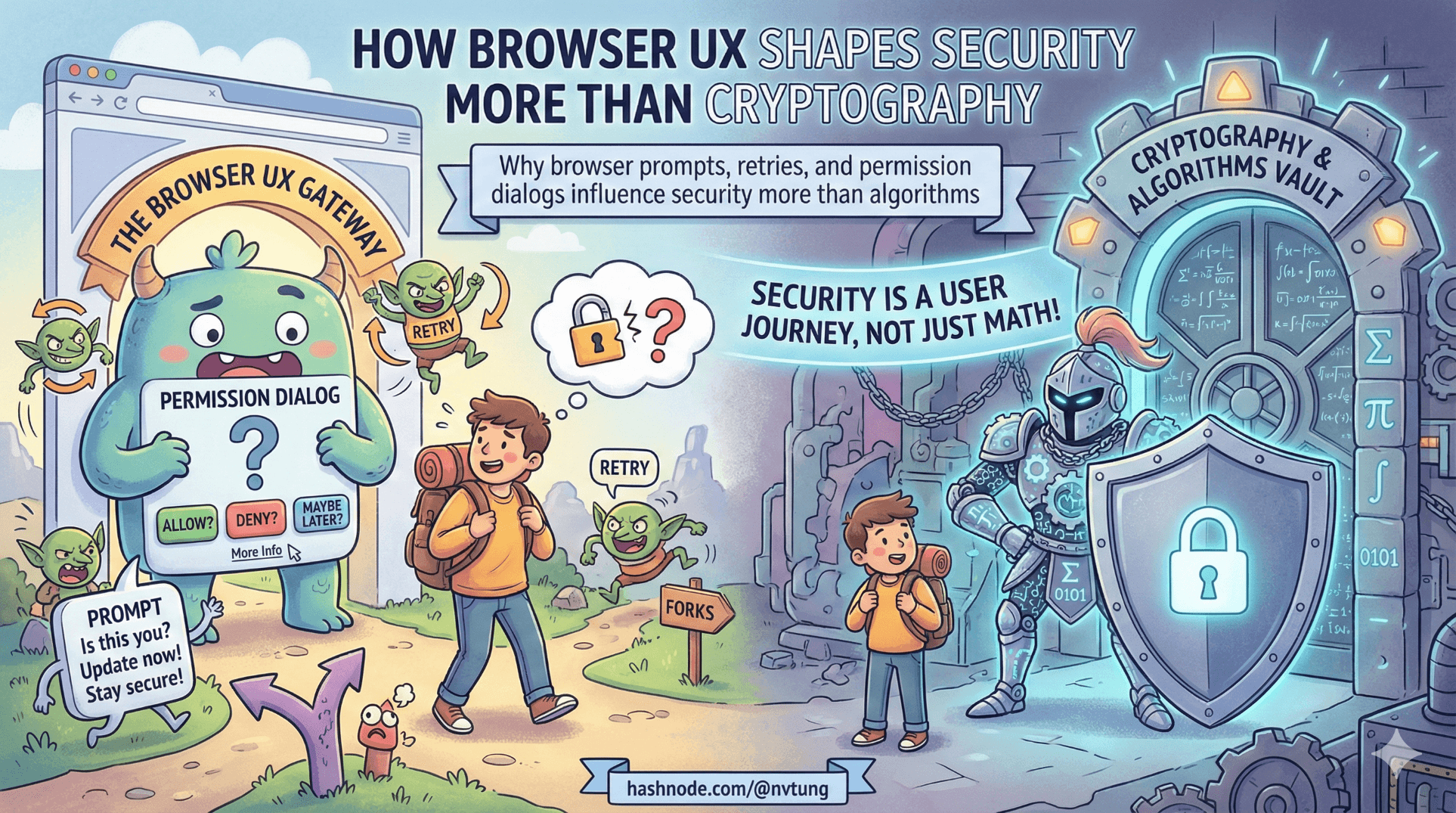
Cryptography is precise.
Browsers are not.
If you’ve implemented WebAuthn in a real PWA, you already know this:
The spec is clean. The user experience is not.
The uncomfortable truth is this:
Most authentication systems fail because of UX, not because of broken cryptography.
WebAuthn gives us origin binding, challenge–response, and public-key authentication. That’s beautiful. But what users actually interact with is:
A browser modal.
An OS biometric sheet.
A permission dialog.
A vague error message.
A “NotAllowedError”.
And those surfaces shape behavior more than any algorithm ever will.
Let’s examine how browser and OS UX decisions constrain authentication design — and why UX discipline is often more important than cryptographic strength.
1. Browser and OS UX Constrain Your Architecture
When you call:
await navigator.credentials.get({
  publicKey: options
});
You are not in control anymore.
The browser:
Decides how the prompt looks.
Decides when it appears.
Decides how cancellation behaves.
Decides what error is returned.
Delegates to the OS for biometric UI.
Your PWA is a spectator.
Example: Timing Assumptions
You might assume:
The WebAuthn prompt appears immediately.
The user understands what is happening.
Cancellation is intentional.
In reality:
On Chrome desktop, the modal may appear inline.
On Safari (macOS), Touch ID sheet drops from the top.
On iOS Safari, Face ID overlay obscures the entire screen.
On Android Chrome, the prompt may feel like a system dialog unrelated to your app.

Your architecture must not depend on:
Specific timing.
Specific modal appearance.
Immediate resolution.
This is not a cosmetic issue. It affects retry logic and fallback strategy.
2. The Same WebAuthn Flow Feels Different Everywhere
The WebAuthn API is standardized.
The UX is not.
Chrome (Desktop)
Inline modal.
Clear “Use another device” option.
Relatively consistent error messaging.
Safari (macOS)
OS-native Touch ID sheet.
Less explicit fallback controls.
Errors often appear as generic cancellation.
iOS Safari
Full-screen Face ID overlay.
Sometimes minimal explanation.
Cancellation feels like app failure.
Android Chrome
OS biometric dialog.
Slightly different copy.
Device PIN fallback flows vary by manufacturer.
Your code may be identical:
try {
  const assertion = await navigator.credentials.get({ publicKey: options });
} catch (err) {
  handleError(err);
}
But err.name and user interpretation differ.
Real Example: Cancellation Handling
Common error:
DOMException: NotAllowedError
This can mean:
User cancelled.
Timeout expired.
Platform authenticator unavailable.
Permission denied.
From your frontend perspective:
catch (err) {
  if (err.name === "NotAllowedError") {
    showRetry();
  }
}
But retry logic must consider:
Did the user intentionally cancel?
Did the biometric sensor fail?
Is WebAuthn unsupported?

If you misinterpret cancellation as attack — you create lockouts.
If you misinterpret failure as benign — you create confusion.
UX interpretation is part of your threat model.
3. Permission Dialogs Shape Security Outcomes
Consider initial WebAuthn registration:
await navigator.credentials.create({
  publicKey: options
});
Browser may ask:
“Allow this site to use your security key?”
“Allow Touch ID for this site?”
If your UI does not clearly prepare the user:
The permission dialog feels suspicious.
The user cancels reflexively.
They choose fallback instead.

Repeated friction trains users to:
Prefer weaker flows.
Avoid passwordless enrollment.
Strong crypto loses to confusing UX.
4. Retry Flows Influence Security Behavior
Imagine this frontend flow:
async function startWebAuthn(options) {
  try {
    const assertion = await navigator.credentials.get({ publicKey: options });
    await verify(assertion);
  } catch (err) {
    showRetry();
  }
}
If “Retry” automatically triggers WebAuthn again without context, users may:
Rapidly cancel.
Assume something is broken.
Switch to fallback.
Instead, better UX:
if (err.name === "NotAllowedError") {
  showMessage("Authentication was cancelled. Try again or use Feide login.");
}

Explicit fallback messaging prevents:
Panic.
Repeated failure loops.
Insecure workaround requests (“Can you disable this for me?”).
Retries are not neutral. They shape behavior.
5. Browser UX Affects Security Perception
Security systems rely on trust perception.
If the browser modal:
Looks native and familiar → user trusts it.
Looks alien or unexpected → user suspects phishing.
That’s why WebAuthn is powerful:
Origin binding ensures the browser only shows credentials for the correct site.
But the user doesn’t see origin binding.
They see a modal.
Your UI must:
Clearly explain what is about to happen.
Avoid surprising transitions.
Avoid triggering WebAuthn automatically without context.
Example:
Instead of immediately calling WebAuthn:
<button @click="authenticate">
  Sign in with device
</button>
Make the user initiate the action.

User agency increases trust.
6. Why Good UX Prevents Insecure Workarounds
Users do not attack your system.
They bypass it.
If passwordless is confusing, they will:
Ask support to disable it.
Request email-based fallback.
Demand “simpler login”.
If fallback is weak, security erodes.
Good UX reduces these pressures.
Example: Clear device management UI.
Instead of hiding credentials:
var devices = await _db.WebAuthnCredentials
    .Where(c => c.UserId == user.Id)
    .ToListAsync();
Expose:
Device name
Registration date
Revoke button

Transparency builds confidence.
7. Browser Constraints Affect Architecture
You cannot:
Customize biometric prompt text.
Force specific fallback options.
Guarantee consistent timing.

Therefore, architecture must:
Avoid assuming prompt content.
Avoid assuming immediate response.
Support retry and fallback cleanly.
Log error patterns per browser.
Operationally, track:
WebAuthn failures by user agent.
Cancellation frequency.
Fallback usage rates.
UX metrics are security metrics.
8. Cryptography vs Behavior
WebAuthn’s cryptography is solid:
Public key signatures.
Origin binding.
Replay protection.
Counter tracking.
But if:
Users disable it.
Enrollment fails.
Recovery is confusing.
Fallback is hidden.

Then strong algorithms lose to weak experience.
The most secure system is the one users willingly use.
Final Reflection
Security engineers love to debate:
Key lengths.
Counter semantics.
Attestation policies.
But in real deployments, the bigger questions are:
Did the user understand what just happened?
Did the retry flow make sense?
Did cancellation feel safe?
Did fallback feel legitimate?
Did the browser modal align with user expectations?
Browser UX is not decoration layered on top of cryptography.
It is the environment in which cryptography lives.
WebAuthn’s design is brilliant.
But the success of a passwordless-first PWA depends less on elliptic curves — and more on how gracefully your system handles human uncertainty.
Stronger algorithms improve theoretical security.
Clearer UX improves actual security.
And in production systems, actual security is the only kind that matters.
☰ Series Navigation
Core Series
Article 7 — A Real Passwordless PWA Flow (Architecture Walkthrough)
Article 9 — Integrating OIDC (Feide) as Fallback and Recovery
Optional Extras
→ How Browser UX Shapes Security More Than Cryptography




