

Cron Production Setup: What I Actually Built
How a real Yii & HumHub system scheduled work under real operational constraints
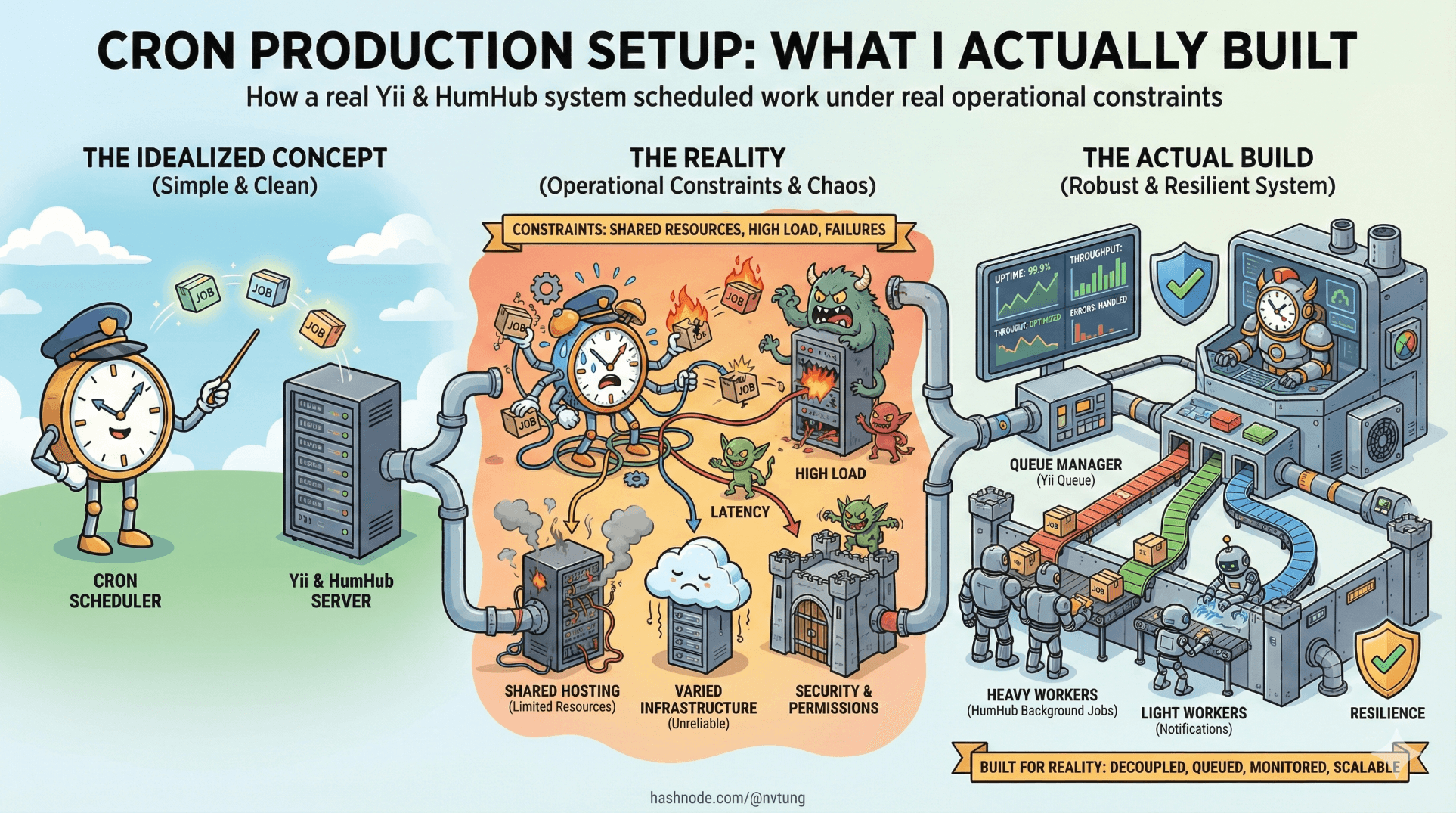
Up to this point, the series has talked about cron in abstractions: principles, patterns, framework intent. This article steps out of theory and into a specific, imperfect reality.
What follows is not a reference architecture or a recommendation to copy verbatim. It’s a worked example—a production setup built with Yii and HumHub, shaped by constraints that were very real at the time. Some decisions are elegant. Some are pragmatic. All of them were made to keep the system understandable and stable.
That context matters.
Disclaimer
Details in this article are intentionally generalized and anonymized to comply with non-disclosure agreements (NDA). No proprietary code, credentials, or sensitive infrastructure details are disclosed.
Infrastructure Context: Environments and Constraints
The system ran across three environments:
Development
UAT
Production
All three shared the same application codebase and cron model, but they did not share the same operational guarantees.

The most important constraint was this:
In non-production environments, servers were intentionally shut down from 00:00 to 08:00 SGT every day.
This wasn’t an accident or a misconfiguration. It was a cost and resource decision. During those eight hours, no cron jobs ran. No queues were drained. Time-based logic simply paused.
This single constraint influenced nearly every cron-related decision that followed.
The Crontab: Minimal by Design
The production crontab contained exactly two entries:
* * * * * /usr/bin/php /var/www/localhost/htdocs/protected/yii queue/run >/dev/null 2>&1
* * * * * /usr/bin/php /var/www/localhost/htdocs/protected/yii cron/run  >/dev/null 2>&1
That’s it. No hourly jobs. No daily jobs. No per-feature schedules.
Everything else lived inside the application.
This was a conscious rejection of “distributed scheduling” at the OS level. The operating system knew when to trigger. The application knew what to do.
Why Absolute Paths Everywhere
Every path in the crontab is explicit:
/usr/bin/php/var/www/localhost/htdocs/protected/yii
This was not stylistic caution; it was survival.
Cron runs with a minimal environment:
No shell profiles
No augmented
PATHNo guarantees about working directory
Early tests failed quietly when relying on php without an absolute path. Fixing this once, explicitly, eliminated an entire class of “works in terminal, fails in cron” issues.
Why All Output Is Suppressed
Both commands redirect stdout and stderr to /dev/null:
>/dev/null 2>&1
At first glance, this looks irresponsible. In practice, it was deliberate.
Reasons:
No local mail delivery
The servers were not configured to send cron mail. Any output would either vanish or accumulate uselessly.Logging belongs to the application, not cron
HumHub and Yii already had structured logging. Allowing cron to emit ad-hoc output created fragmentation.Noise hides signal
High-frequency jobs (every minute) generate enormous log volume if left unchecked.
Instead, jobs were expected to:
Log explicitly via the framework logger
Surface failures through monitoring hooks
Fail loudly inside the application, not via cron output
Cron was treated as a trigger, not an observer.
This choice trades local visibility for centralized observability. It only works if the application takes logging seriously—which this system did.
Why One-Minute Granularity Was Chosen
Running both cron/run and queue/run every minute was not about speed. It was about predictability.
A one-minute tick created a simple mental model:
Async work is processed within ~60 seconds
Interval jobs are evaluated at most 60 seconds late
No job depends on sub-minute precision

Why not every five minutes? Or every thirty seconds?
Because the system already had:
Nightly downtime in non-prod
No hard real-time guarantees
A need for operational simplicity
One minute was the smallest unit that:
Felt responsive enough for users
Was easy to reason about
Avoided excessive process churn
Anything finer would have increased complexity without meaningful benefit.
Async and Interval Jobs: How They Coexisted
HumHub’s separation between interval jobs and async jobs mapped cleanly onto this setup.
Interval Jobs (cron/run)
Interval jobs handled tasks like:
Periodic cleanup
Maintenance routines
Scheduled checks
Conceptually:
php yii cron/run
Internally:
The framework evaluated which jobs were due now
Each job decided whether it should run
Time-based logic lived in code, not in crontab
This was crucial for environments with downtime. If a job didn’t run at 02:00 because the server was down, it wasn’t “missed” by cron—it was simply evaluated again at the next available tick.
Whether it should catch up was a job-level decision.
Asynchronous Jobs (queue/run)
Async jobs were triggered by events:
User actions
System changes
Background processes
Example (simplified):
Yii::$app->queue->push(new RebuildIndexJob([
    'resourceId' => $id,
]));
And processed by:
php yii queue/run
This decoupling ensured:
User requests stayed fast
Heavy work happened outside the request lifecycle
Failures could be retried or inspected
The queue absorbed variability. Cron merely drained it.
Living With Nightly Downtime
The nightly shutdown in development and UAT introduced a subtle but important behavior:
Interval jobs scheduled during downtime simply did not run.
This was accepted, not fixed.

Why?
Because these environments were not meant to simulate perfect production behavior. They were meant to:
Reduce cost
Support functional testing
Catch logical errors
Trying to “replay” missed jobs on startup would have:
Complicated job logic
Introduced edge cases
Created differences between environments that were harder to reason about
Instead, jobs were designed to be:
Idempotent
Defensive
Capable of tolerating skipped intervals
Production, which did not shut down nightly, behaved as expected. Non-production environments surfaced a different class of problems—often earlier.
This asymmetry was intentional.
Known Limitations (Owned, Not Hidden)
This setup had limits.
Latency: Async jobs could take up to a minute to run.
Throughput:
queue/runexecuted jobs serially unless scaled horizontally.Visibility: Cron itself provided no direct signal of success or failure.
Overlap risk: Long-running jobs required explicit locking.

None of these were accidental. Each was either mitigated elsewhere or accepted as a tradeoff.
Most importantly, the system avoided hidden complexity. There were no background daemons whose state had to be guessed. No invisible schedulers. No environment-specific cron logic.
When something broke, there were only a few places to look.
Why This Setup Worked (For Its Context)
This cron architecture succeeded not because it was optimal, but because it was coherent.
Scheduling logic lived in application code
Execution logic lived in jobs
Cron triggered both, predictably
Constraints were acknowledged, not fought

The result was a system that behaved the same way day after day, even when parts of it were unavailable.
That consistency mattered more than raw efficiency.
What This Example Is—and Isn’t
This is not a universal blueprint. In a different context, with:
Always-on servers
Dedicated workers
High-volume queues
…you might make very different choices.
What is transferable is the mindset:
Treat cron as infrastructure, not logic
Centralize scheduling intent
Accept constraints explicitly
Prefer boring predictability over clever optimization
That mindset scales better than any specific configuration.

And once you adopt it, cron stops feeling like a liability—and starts feeling like a quiet, dependable part of the system you actually understand.
☰ Series Navigation
Core Series
Part 2: Anatomy of a Cron Job
Part 5: HumHub & Yii: Design Intent Behind the Cron Architecture
→ Part 6: A Real Production Setup: What I Actually Built




